问题描述
现在两个脚本单独都可以实现
一个可以实现录制视频并保存在文件夹中
另外一个可以实现实时采集摄像头画面并显示在自带LCD屏幕中
硬件:亚博智能科技K230豪华版
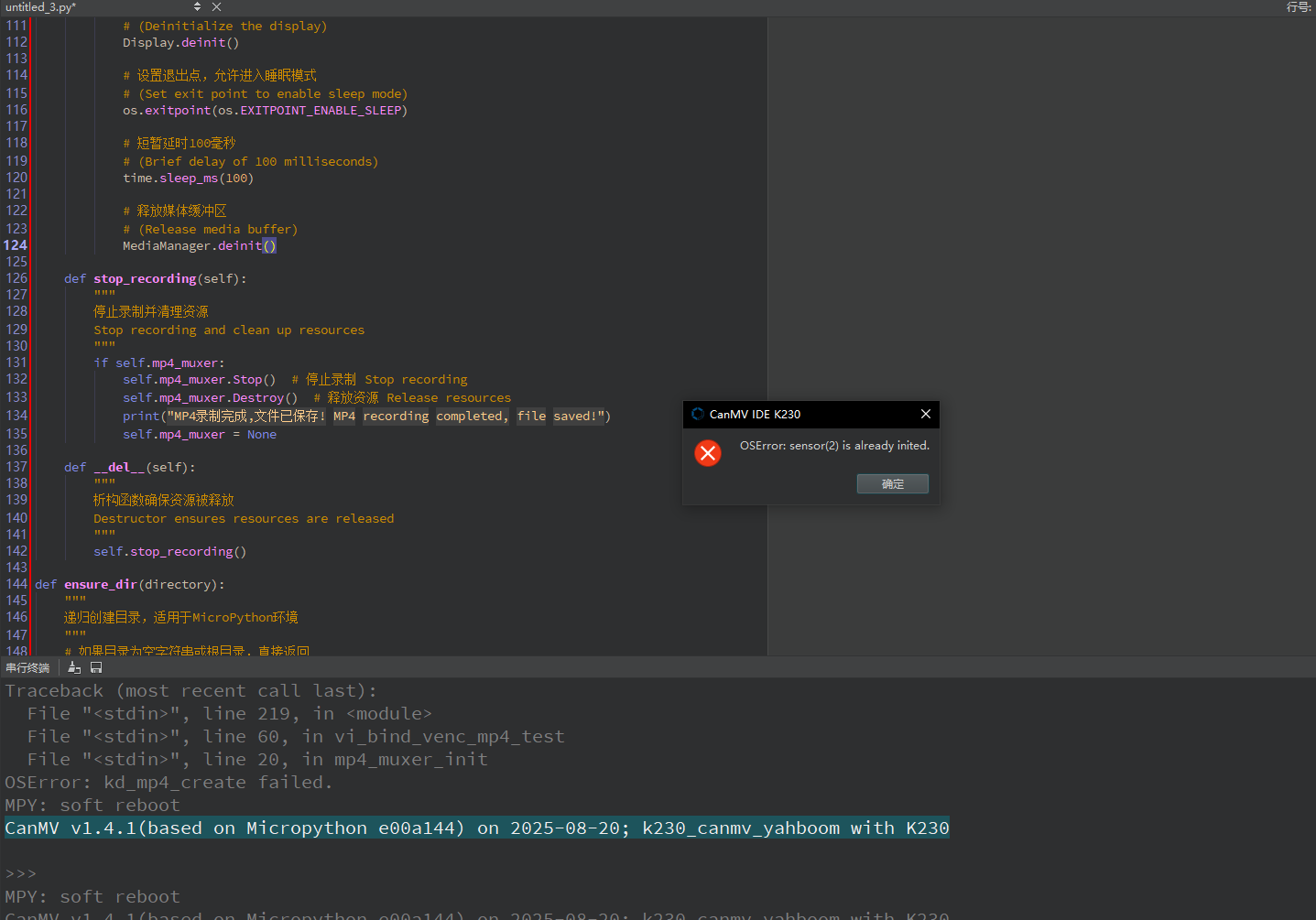
当我想要把两者结合在一起时候 一直会报 OSError: sensor(2) is already inited.错误
硬件板卡
亚博智能科技K230豪华版
软件版本
CanMV v1.4.1(based on Micropython e00a144) on 2025-08-20; k230_canmv_yahboom with K230
其他信息
采集并保存视频脚本
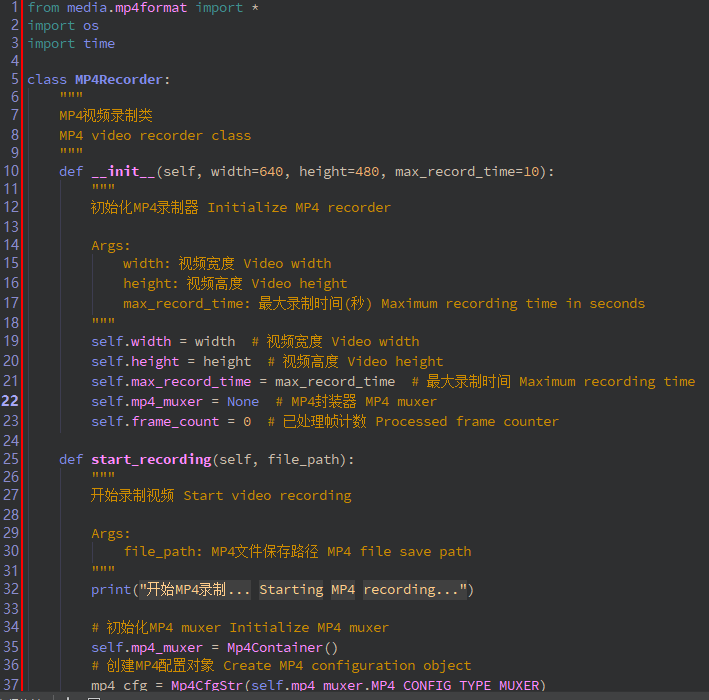


from media.mp4format import *
import os
import time
class MP4Recorder:
"""
MP4视频录制类
MP4 video recorder class
"""
def init(self, width=640, height=480, max_record_time=10):
"""
初始化MP4录制器 Initialize MP4 recorder
    Args:
        width: 视频宽度 Video width
        height: 视频高度 Video height
        max_record_time: 最大录制时间(秒) Maximum recording time in seconds
    """
    self.width = width  # 视频宽度 Video width
    self.height = height  # 视频高度 Video height
    self.max_record_time = max_record_time  # 最大录制时间 Maximum recording time
    self.mp4_muxer = None  # MP4封装器 MP4 muxer
    self.frame_count = 0  # 已处理帧计数 Processed frame counter

def start_recording(self, file_path):
    """
    开始录制视频 Start video recording

    Args:
        file_path: MP4文件保存路径 MP4 file save path
    """
    print("开始MP4录制... Starting MP4 recording...")

    # 初始化MP4 muxer Initialize MP4 muxer
    self.mp4_muxer = Mp4Container()
    # 创建MP4配置对象 Create MP4 configuration object
    mp4_cfg = Mp4CfgStr(self.mp4_muxer.MP4_CONFIG_TYPE_MUXER)

    # 配置MP4封装参数 Configure MP4 muxer parameters
    if mp4_cfg.type == self.mp4_muxer.MP4_CONFIG_TYPE_MUXER:
        mp4_cfg.SetMuxerCfg(
            file_path,  # 文件路径 File path
            self.mp4_muxer.MP4_CODEC_ID_H265,  # 视频编码格式 Video codec
            self.width,  # 视频宽度 Video width
            self.height,  # 视频高度 Video height
            self.mp4_muxer.MP4_CODEC_ID_G711U  # 音频编码格式 Audio codec
        )

    # 创建并启动muxer Create and start muxer
    self.mp4_muxer.Create(mp4_cfg)
    self.mp4_muxer.Start()

    # 记录开始时间 Record start time
    start_time_ms = time.ticks_ms()

    try:
        while True:
            os.exitpoint()

            # 处理音视频数据 Process audio and video data
            self.mp4_muxer.Process()

            # 更新帧计数 Update frame counter
            self.frame_count += 1
            print(f"已处理帧数 Processed frames: {self.frame_count}")

            # 检查是否超过最大录制时间 Check if exceeded maximum recording time
            elapsed_time = time.ticks_ms() - start_time_ms
            if elapsed_time >= self.max_record_time * 1000:
                print("录制已达到最大时长,正在保存... Maximum recording time reached, saving...")
                break

    except BaseException as e:
        print(f"录制过程出错 Recording error: {e}")

    finally:
        self.stop_recording()

def stop_recording(self):
    """
    停止录制并清理资源
    Stop recording and clean up resources
    """
    if self.mp4_muxer:
        self.mp4_muxer.Stop()  # 停止录制 Stop recording
        self.mp4_muxer.Destroy()  # 释放资源 Release resources
        print("MP4录制完成,文件已保存! MP4 recording completed, file saved!")
        self.mp4_muxer = None

def __del__(self):
    """
    析构函数确保资源被释放
    Destructor ensures resources are released
    """
    self.stop_recording()
def ensure_dir(directory):
"""
递归创建目录,适用于MicroPython环境
"""
# 如果目录为空字符串或根目录,直接返回
if not directory or directory == '/':
return
# 处理路径分隔符,确保使用标准格式
directory = directory.rstrip('/')

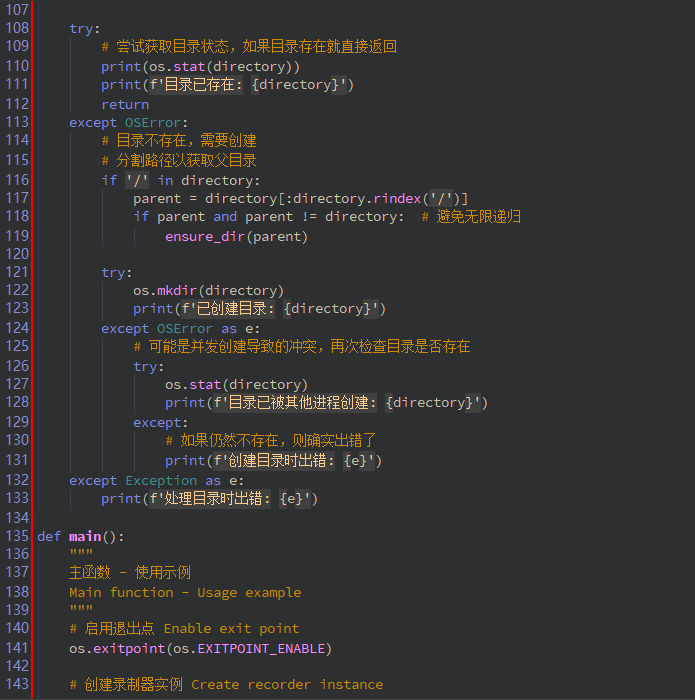
try:
    # 尝试获取目录状态,如果目录存在就直接返回
    print(os.stat(directory))
    print(f'目录已存在: {directory}')
    return
except OSError:
    # 目录不存在,需要创建
    # 分割路径以获取父目录
    if '/' in directory:
        parent = directory[:directory.rindex('/')]
        if parent and parent != directory:  # 避免无限递归
            ensure_dir(parent)

    try:
        os.mkdir(directory)
        print(f'已创建目录: {directory}')
    except OSError as e:
        # 可能是并发创建导致的冲突,再次检查目录是否存在
        try:
            os.stat(directory)
            print(f'目录已被其他进程创建: {directory}')
        except:
            # 如果仍然不存在,则确实出错了
            print(f'创建目录时出错: {e}')
except Exception as e:
    print(f'处理目录时出错: {e}')
def main():
"""
主函数 - 使用示例
Main function - Usage example
"""
# 启用退出点 Enable exit point
os.exitpoint(os.EXITPOINT_ENABLE)
# 创建录制器实例 Create recorder instance
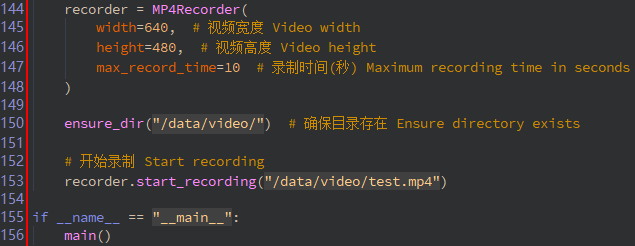
recorder = MP4Recorder(
    width=640,  # 视频宽度 Video width
    height=480,  # 视频高度 Video height
    max_record_time=10  # 录制时间(秒) Maximum recording time in seconds
)

ensure_dir("/data/video/")  # 确保目录存在 Ensure directory exists

# 开始录制 Start recording
recorder.start_recording("/data/video/test.mp4")
if name == "main":
main()
LCD实时显示摄像头画面脚本
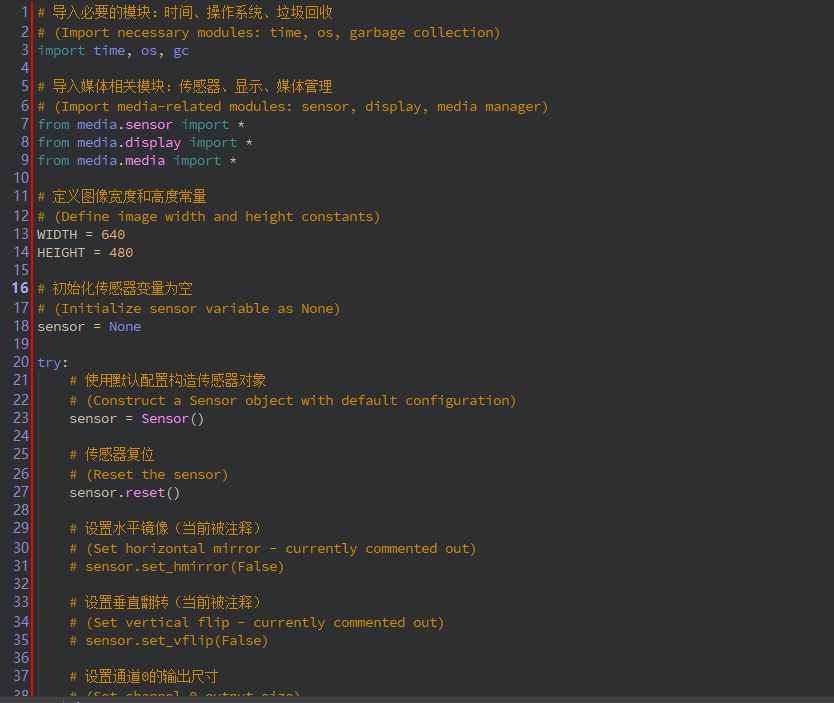

导入必要的模块:时间、操作系统、垃圾回收
(Import necessary modules: time, os, garbage collection)
import time, os, gc
导入媒体相关模块:传感器、显示、媒体管理
(Import media-related modules: sensor, display, media manager)
from media.sensor import *
from media.display import *
from media.media import *
定义图像宽度和高度常量
(Define image width and height constants)
WIDTH = 640
HEIGHT = 480
初始化传感器变量为空
(Initialize sensor variable as None)
sensor = None
try:
# 使用默认配置构造传感器对象
# (Construct a Sensor object with default configuration)
sensor = Sensor()
# 传感器复位
# (Reset the sensor)
sensor.reset()

# 设置水平镜像(当前被注释)
# (Set horizontal mirror - currently commented out)
# sensor.set_hmirror(False)

# 设置垂直翻转(当前被注释)
# (Set vertical flip - currently commented out)
# sensor.set_vflip(False)

# 设置通道0的输出尺寸
# (Set channel 0 output size)
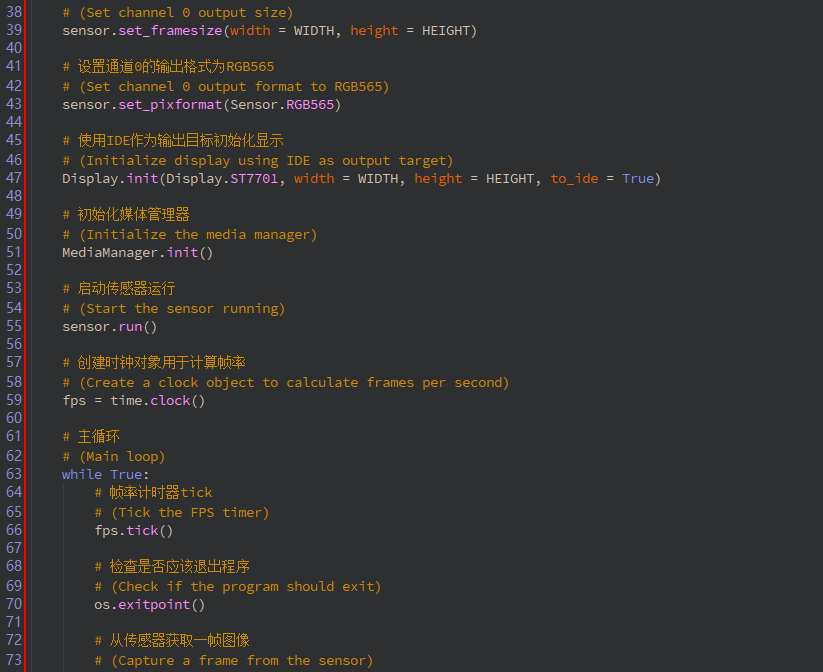
sensor.set_framesize(width = WIDTH, height = HEIGHT)

# 设置通道0的输出格式为RGB565
# (Set channel 0 output format to RGB565)
sensor.set_pixformat(Sensor.RGB565)

# 使用IDE作为输出目标初始化显示
# (Initialize display using IDE as output target)
Display.init(Display.ST7701, width = WIDTH, height = HEIGHT, to_ide = True)

# 初始化媒体管理器
# (Initialize the media manager)
MediaManager.init()

# 启动传感器运行
# (Start the sensor running)
sensor.run()

# 创建时钟对象用于计算帧率
# (Create a clock object to calculate frames per second)
fps = time.clock()

# 主循环
# (Main loop)
while True:
    # 帧率计时器tick
    # (Tick the FPS timer)
    fps.tick()

    # 检查是否应该退出程序
    # (Check if the program should exit)
    os.exitpoint()

    # 从传感器获取一帧图像
    # (Capture a frame from the sensor)
    img = sensor.snapshot()

    # 在屏幕上显示结果图像
    # (Display the resulting image on screen)
    Display.show_image(img)

    # 执行垃圾回收
    # (Perform garbage collection)
    gc.collect()

    # 短暂延时5毫秒
    # (Brief delay of 5 milliseconds)
    time.sleep_ms(5)

    # 打印当前帧率
    # (Print the current frames per second)
    print(fps.fps())
except KeyboardInterrupt as e:
# 捕获键盘中断异常(用户手动停止)
# (Catch keyboard interrupt exception - user manually stops)
print(f"user stop")
except BaseException as e:
# 捕获所有其他异常
# (Catch all other exceptions)
print(f"Exception '{e}'")
finally:
# 无论如何都执行清理工作
# (Perform cleanup regardless of how the program exits)
# 停止传感器运行(如果传感器对象存在)
# (Stop the sensor if the sensor object exists)
if isinstance(sensor, Sensor):
    sensor.stop()

# 反初始化显示
# (Deinitialize the display)
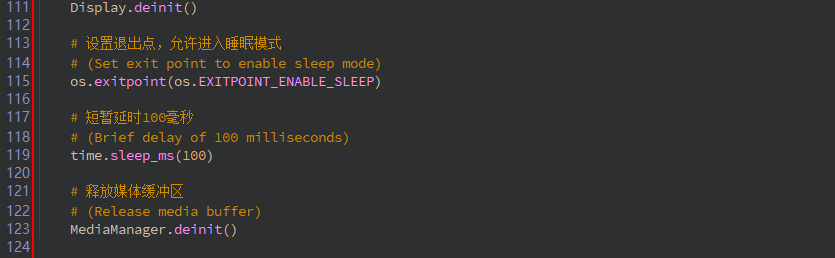
Display.deinit()

# 设置退出点,允许进入睡眠模式
# (Set exit point to enable sleep mode)
os.exitpoint(os.EXITPOINT_ENABLE_SLEEP)

# 短暂延时100毫秒
# (Brief delay of 100 milliseconds)
time.sleep_ms(100)

# 释放媒体缓冲区
# (Release media buffer)
MediaManager.deinit()
