问题描述
我先用PipeLine播放视频,再读取一张照片,显示一张照片,再重新播放视频的时候,发现视频卡住了,应该怎么解决呢
复现步骤
#只用PipeLine的方法

import time
import os
import sys
from libs.PipeLine import PipeLine, ScopedTiming
from media.sensor import *
from media.display import *
from media.media import *
import gc                        # 导入垃圾回收库 / Import garbage collection library
import ybUtils.YbKey as YbKey
from libs.Utils import *


#初始化pl
sensor = Sensor(width=640, height=480)
rgb888p_size=[640, 480]
display_mode='lcd'
display_size=[640,480]
sensor.reset()
sensor.set_framesize(width=640, height=480, chn=CAM_CHN_ID_0)
sensor.set_pixformat(Sensor.RGB565, chn=CAM_CHN_ID_0)

pl=PipeLine(rgb888p_size=rgb888p_size,display_size=display_size,display_mode=display_mode)
pl.create(sensor = sensor)


pl.osd_img.clear()
print("afdf1")
while True:
    img = pl.get_frame()
    print("afdf2")
    pl.show_image()
    key = YbKey.YbKey()
    # 按键检测和图片保存逻辑
    # Button detection and image saving logic
    if key.is_pressed() == 1:
        break


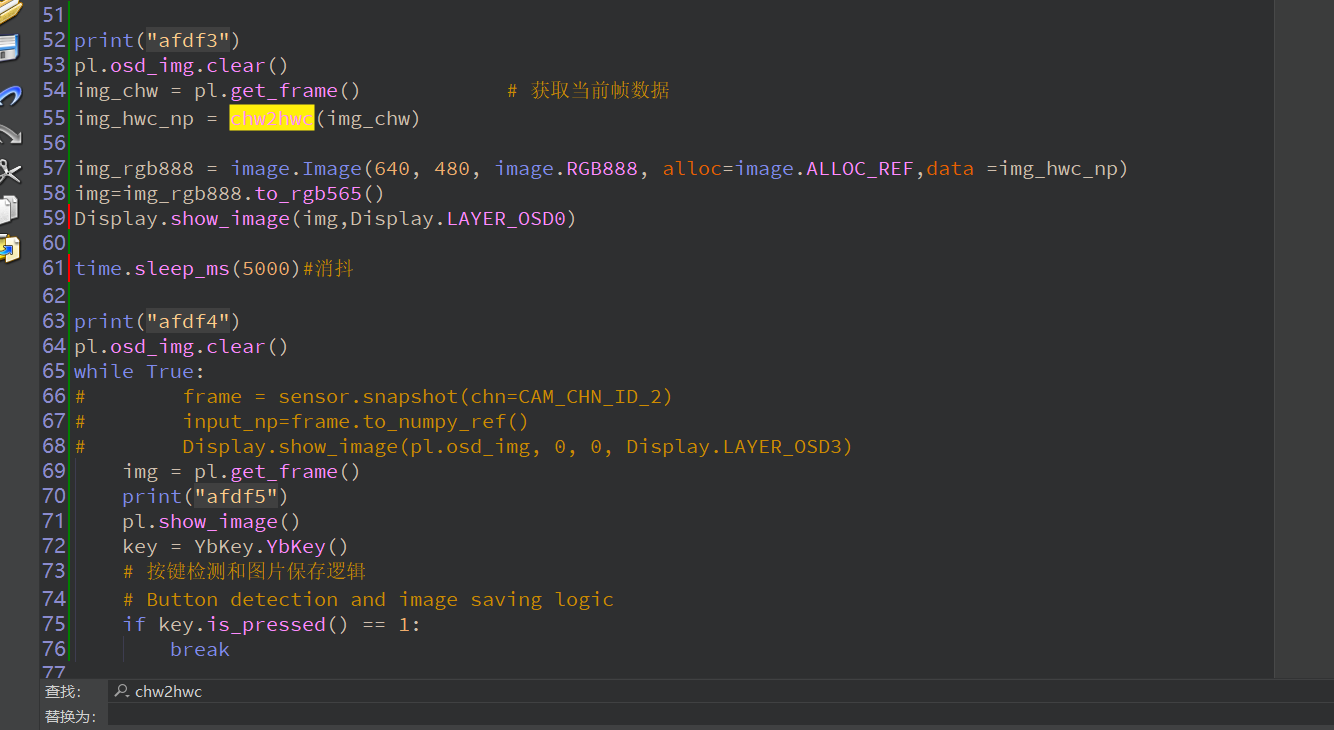
print("afdf3")
pl.osd_img.clear()
img_chw = pl.get_frame()            # 获取当前帧数据
img_hwc_np = chw2hwc(img_chw)

img_rgb888 = image.Image(640, 480, image.RGB888, alloc=image.ALLOC_REF,data =img_hwc_np)
img=img_rgb888.to_rgb565()
Display.show_image(img,Display.LAYER_OSD0)

time.sleep_ms(5000)#消抖

print("afdf4")
pl.osd_img.clear()
while True:
    img = pl.get_frame()
    print("afdf5")
    pl.show_image()
    key = YbKey.YbKey()
    # 按键检测和图片保存逻辑
    # Button detection and image saving logic
    if key.is_pressed() == 1:
        break
硬件板卡
亚博k230
软件版本
CanMV_K230_YAHBOOM_micropython_V1.4.3-3.img
其他信息