K230 Graphics Practice - Boot Video and Boot Logo#
overview#
This article explains how to implement the boot video and boot logo on the K230 EVB development board through video decoding. The video decoding module supports H.264/H.265/MJPEG decoding, and the maximum resolution of the screen display is 1920x1080, which can be rotated.
Environmental preparation#
Hardware Environment#
K230-USIP-LP3-EVB-V1.0/K230-UNSIP-LP3-EVB-V1.1
Typec USB cable for power supply.
SD card
Screen and cable
Camera board (IMX335)
Software Environment#
The toolchains are provided in the k230_sdk and are available in the following paths.
Big core RT-SAMRT toolchain
k230_sdk/toolchain/riscv64-linux-musleabi_for_x86_64-pc-linux-gnu
Small-core Linux toolchain
k230_sdk/toolchain/Xuantie-900-gcc-linux-5.10.4-glibc-x86_64-V2.6.0
The toolchain can also be downloaded via the link below
wget https://download.rt-thread.org/rt-smart/riscv64/riscv64-unknown-linux-musl-rv64imafdcv-lp64d-20230222.tar.bz2
wget https://occ-oss-prod.oss-cn-hangzhou.aliyuncs.com/resource//1659325511536/Xuantie-900-gcc-linux-5.10.4-glibc-x86_64-V2.6.0-20220715.tar.gz
Source code location#
The SDK contains a user-mode decoding demo at .k230_sdk/src/big/mpp/userapps/sample/sample_vdec The compiled executable file is k230_sdk/src/big/mpp/userapps/sample/elf/sample_vdec.elfnot loaded into the big core image by default, and you need to modify the Makefile according to the execution mode section to generate the executable file in the directory /mnt after the big core is started.
Source code analysis#
sample_vb_init: Configure VB Pool CNT and initialize VB.vb_create_pool: Configure the block size and number of each pool in VB.kd_mpi_vdec_create_chn: Create a decoding channel.kd_mpi_vdec_start_chn: Turn on the decoding channel.sample_vdec_bind_vo: Bind the decoding to VO.input_thread: Reads data from a file and callskd_mpi_vdec_send_streamto send data to the VPU.output_thread: Get the decoded data from the VPU.
Program Execution#
Modify the
mpp-appscompilation script ink230_sdk/Makefile. Modifycp userapps/sample/fastboot_elf/* $(RTSMART_SRC_DIR)/userapps/root/bin/; \
as
cp userapps/sample/elf/sample_vdec.elf $(RTSMART_SRC_DIR)/userapps/root/bin/; \
Copy the H.264/H.265/MJPEG/JPEG files that need to be displayed to the
k230_sdk/src/big/rt-smart/userapps/root/bindirectoryModify
k230_sdk/src/big/rt-smart/init.shto the following command:/bin/sample_vdec -i <filename> [-t <sec>]
<filename>is the video file copied in the previous step-tis the time the picture is displayed, Used only when a picture is displayed.
Execute the command
makeunder the directoryk230_sdk.The compiled and generated
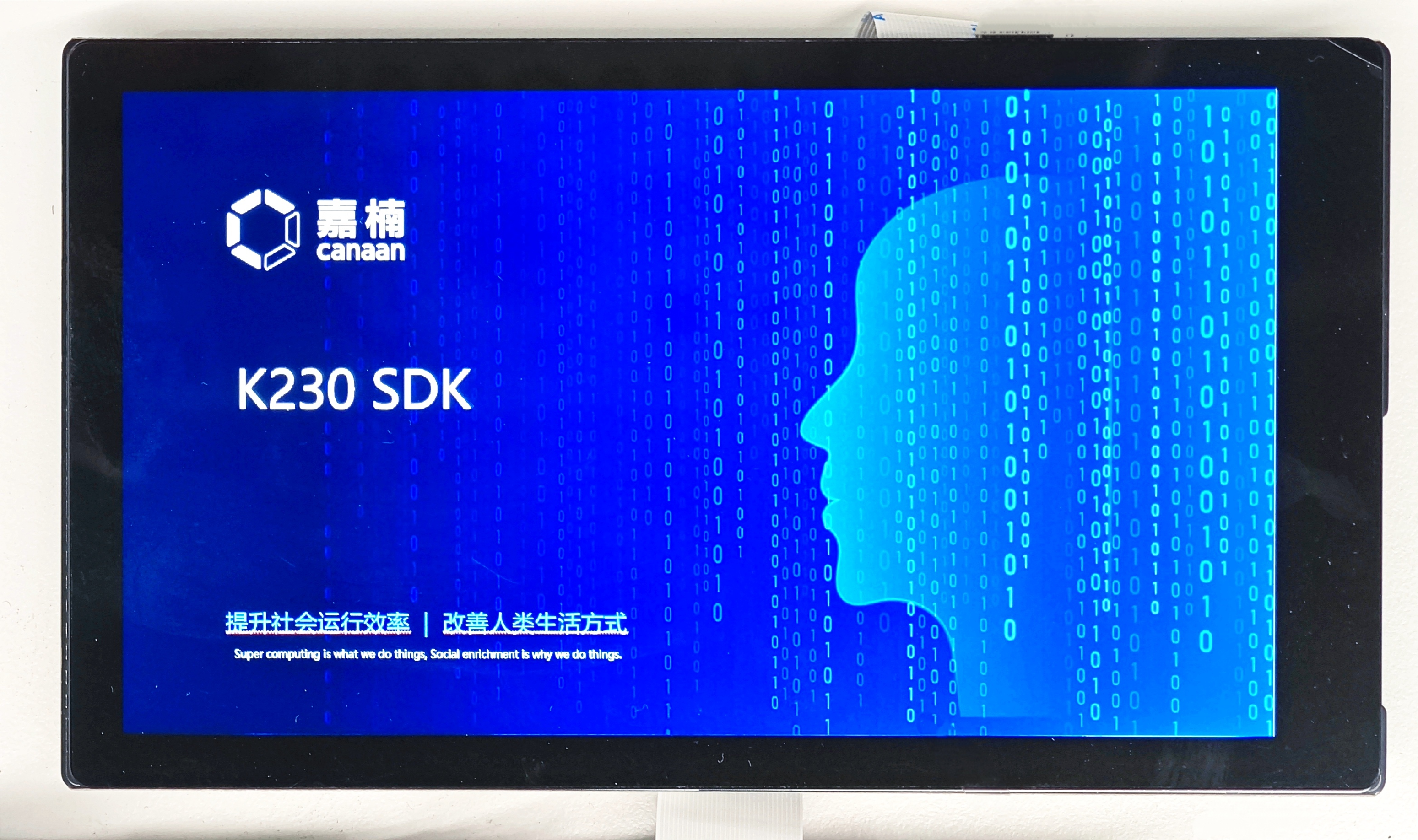
k230_sdk/output/k230_evb_defconfig/images/sysimage-sdcard.imgprogramming is flashed to the SD card, and the EVB board DIP switch is all dialed to OFF (boot from the SD card) to realize the boot display video.
The display effect is as follows: